Chat walkthrough: mark ports → route → drag-to-reroute
Three messages: wire a custom photonic device to a gdsfactory MMI, then drag it and reconnect.
A hand-drawn triangle is a port marker: apex is orientation, base is width. One call reads the geometry, infers orientation/width/position, marks a standard klink Port, and deletes the raw triangle. Both ends became 0.8 µm edge-attached ports.
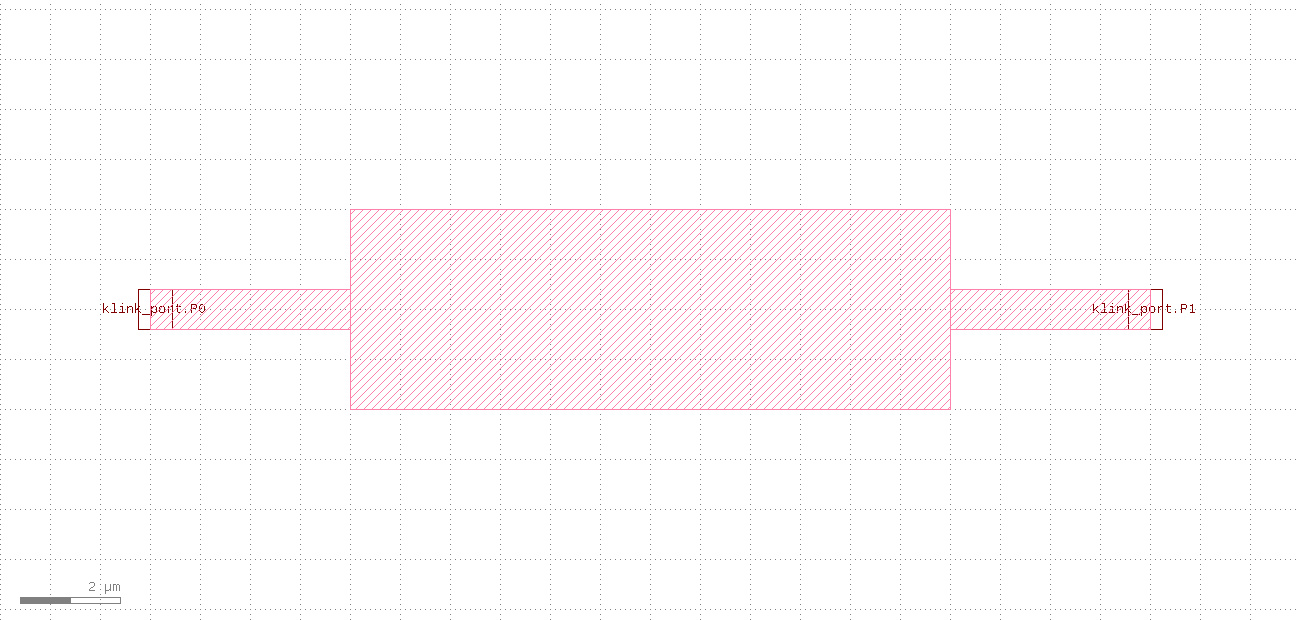
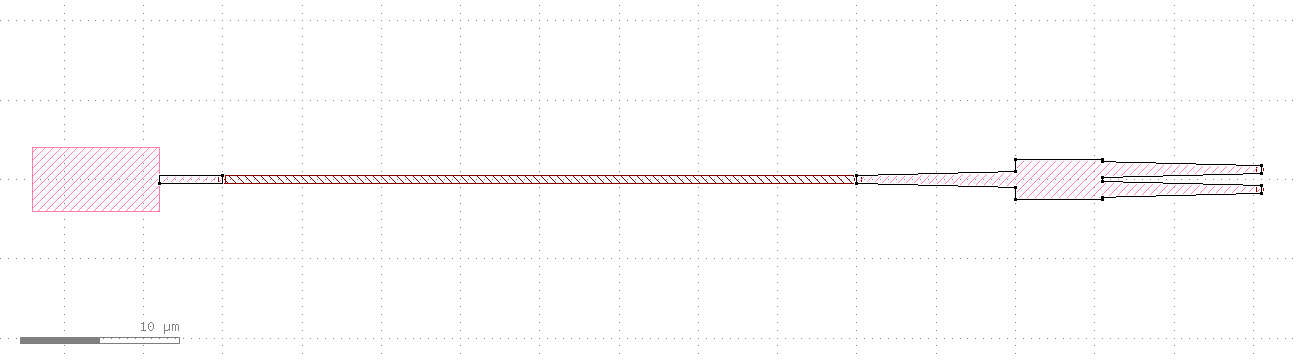
P0 / P1, width exactly 0.8 µm).The device's P0 and the MMI's input o1 are both on net link0 and face each other, so route a waveguide straight across to the 12/0 layer. ok=true, a 40 µm straight waveguide, 0 crossings.
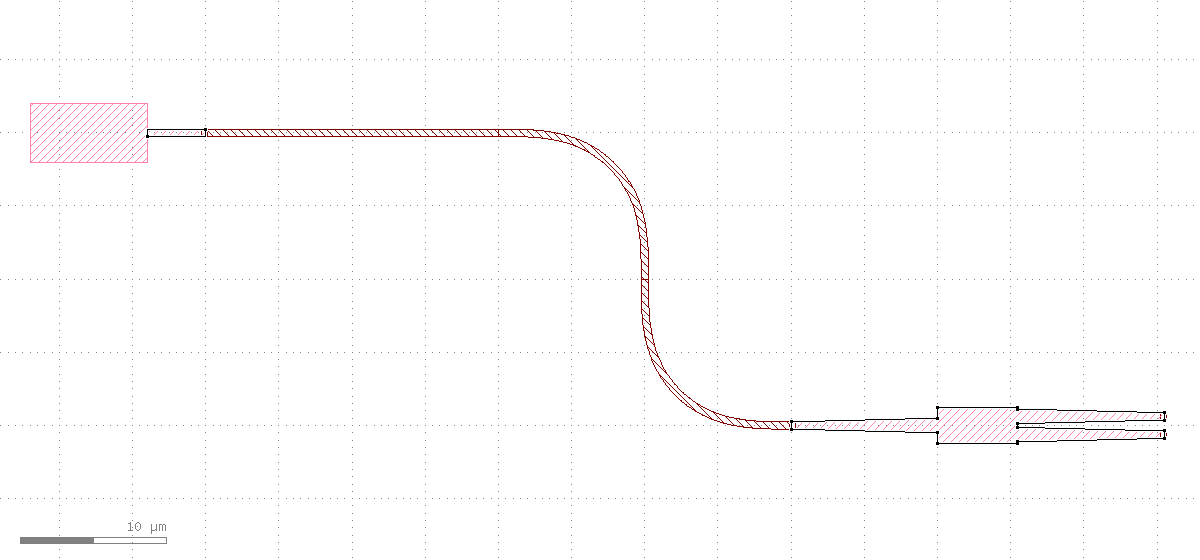
Re-run the same route call — it re-reads the live port positions (P0 is now at its new coordinates) and replaces the old route with a waveguide that follows to the new spot. The device moved, the wire caught up with one smooth S-bend, nothing else changed.
What this conversation did
Three messages: hand-drawn triangles to standard ports → route to the MMI → reroute after a drag. The core is the "mark ports → route → drag → reroute" loop, and success is judged on the structured returns (width=0.8, length 40→60, crossings=0), not on "looks connected".
.chat-calls above exactly. The full version (standard gdsfactory auto-ports, PDK blackbox harvest, and a "base drawn wrong" cautionary example) is in the gdsfactory ports tutorial.